Free tool · Electrical
Panel Schedule Template
Edit a residential circuit list, total each phase, then print or export the schedule.
UpdatedLoading the calculator…
The default 200 A, 120/240 V panel schedule contains 33,400 VA of connected load. L1 carries 16,725 VA and L2 carries 16,675 VA, a 50 VA difference. Edit the descriptions and loads to match the actual circuits. These are connected quantities, not service demand; use the electrical load calculator when you need a dwelling demand estimate.
How to use this panel schedule template
Enter the design inputs
Edit a residential circuit list, total each phase, then print or export the schedule.
Check circuit placement and both legs
Review pole counts, circuit identifiers and the connected VA assigned to each leg. Resolve overlapping spaces and unclear descriptions before comparing the phase totals.
Export the connected-load record
Save the panel schedule as CSV or print it with the source equipment list. Keep a separate service-demand worksheet rather than relabeling connected current as design demand.
Build a panel schedule that identifies the circuits
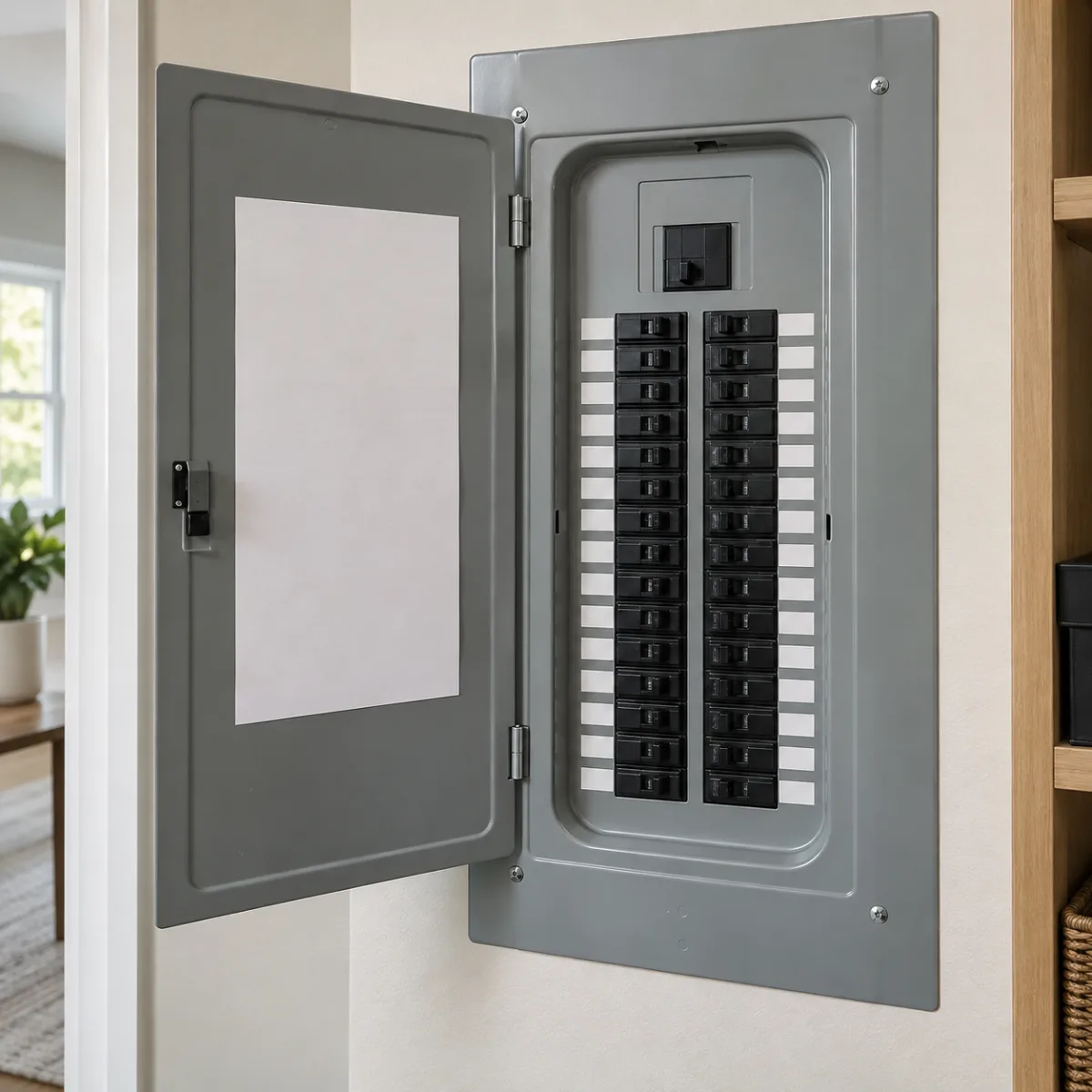
Start with the panel designation, system voltage and main rating, then identify every branch circuit by a useful description. A label such as kitchen small appliance A is more informative than plugs, and a room name is more durable than the current occupant's name. Confirm the directory at the panel rather than copying an old schedule that may no longer match the wiring. The default list is a fictional residential example for practicing the worksheet.
Each row contains circuit number, description, breaker amperes, pole count, connected VA and phase. A two-pole row represents the complete connected load across 240 V; do not enter the same appliance as two separate full-load rows. This interface reserves the starting circuit number and the number two positions later for a two-pole breaker, using a common odd/even residential directory convention. Actual panel layouts must be checked against the manufacturer label.
The schedule is editable in the browser and is not saved to an account. Export the CSV when you need a record of the entries. Keep wall and room references aligned with the framing calculator takeoff so a renamed room does not leave an ambiguous electrical description after a drawing revision. Use the single line diagram guide to keep panel identifiers consistent across the drawing package.
Separate connected VA from breaker amperes
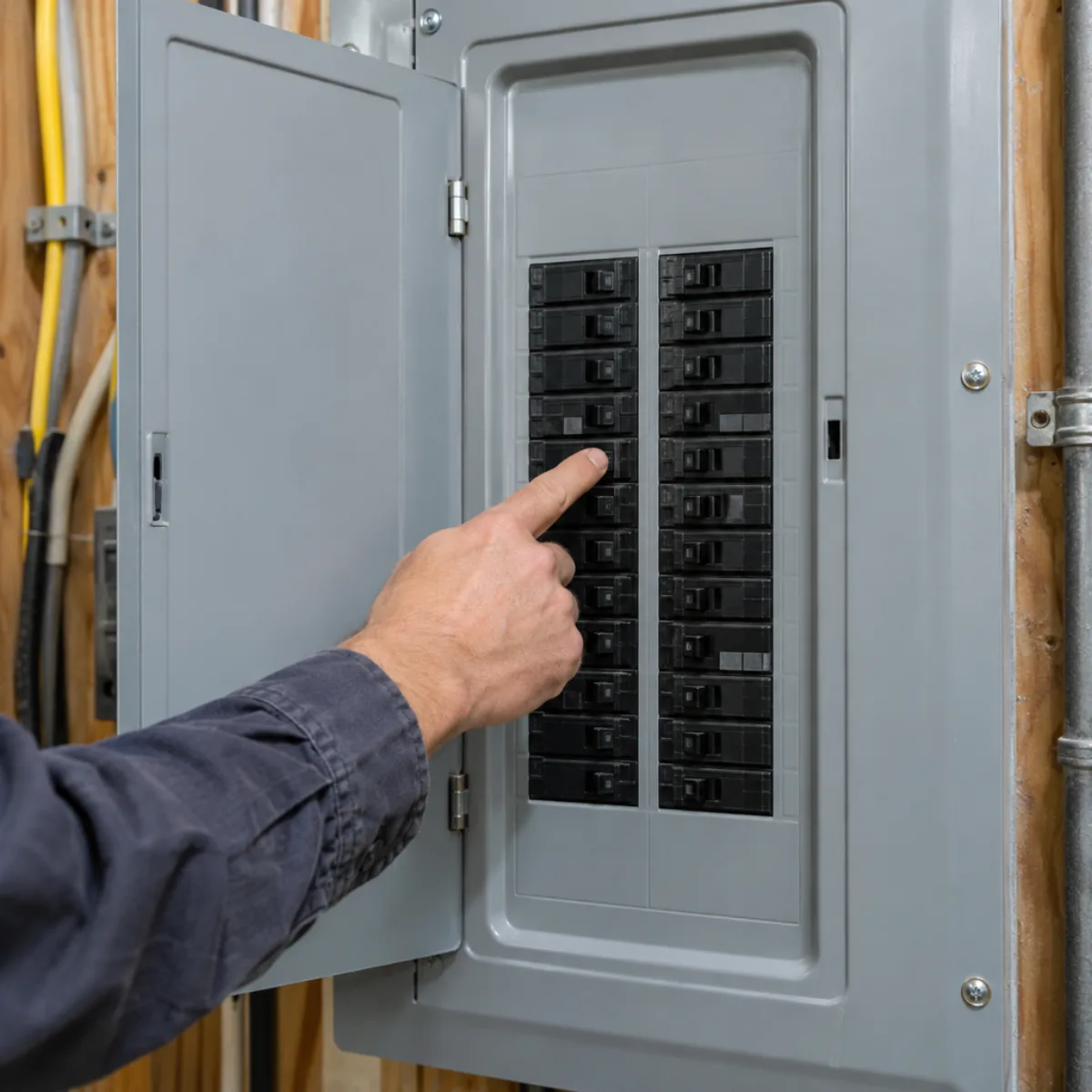
A breaker rating is a protective-device value, not a measurement of the connected appliance load. Multiplying every breaker handle by voltage and adding the answers generally overstates the inventory and does not produce a service demand calculation. Enter connected VA from the equipment or a justified load allowance instead. Where only watts are available, determine whether the load's power factor and nameplate conventions require a VA conversion.
For a single-pole 120 V circuit, the worksheet assigns all connected VA to the selected leg. For a two-pole 240 V circuit, it splits total VA equally between L1 and L2. A range entered as 11,000 VA therefore contributes 5,500 VA to each phase. It does not contribute 11,000 VA twice. The breaker column remains visible for the directory but does not drive that arithmetic.
The same distinction applies to HVAC equipment. Cooling output from the AC tonnage calculator is not electrical input VA. Read the electrical nameplate and applicable branch-circuit information for the chosen equipment. This template does not select wire sizes, overcurrent protection, AFCI or GFCI requirements. Those decisions require the load characteristics, equipment instructions, adopted code and the actual installation conditions. Carry device and route quantities separately through the electrical estimating workflow; connected VA is not a material order.
Read phase totals and imbalance with care
The default single-pole entries place 4,175 VA on L1 and 4,125 VA on L2. The four two-pole loads total 25,100 VA, adding 12,550 VA to each leg. Phase totals are therefore 16,725 and 16,675 VA. Their difference is 50 VA. Dividing that difference by the average phase load, then multiplying by 100, gives approximately 0.30% imbalance. The formula is displayed so the percentage's denominator is clear.
Phase currents are calculated at 120 V per leg. The default currents are about 139.38 A on L1 and 138.96 A on L2. Total connected VA divided by 240 V gives an equivalent 139.17 A, but that single number can conceal an unbalanced leg. The tool therefore shows both phase currents and flags a connected load above the entered rating on either leg. An empty schedule returns zero imbalance instead of dividing by zero.
Moving a single-pole assignment changes the arithmetic, not the physical bus arrangement. Verify the actual breaker position before acting on a more balanced worksheet. Coordinate ceiling fixtures and access with the drywall calculator, while leaving circuit reassignment and panel work to the appropriate project review and installation process.

Export a reviewable schedule and keep demand separate
Use Export CSV to download the current rows for a spreadsheet or estimating package. The file includes circuit number, description, breaker amperes, poles, connected VA and phase. Text beginning with spreadsheet formula characters is neutralized so a circuit description is not interpreted as a formula when imported. Quotes and commas are escaped as CSV data. Use the print control for a paper copy of the current worksheet and its calculated totals.
Neither export applies NEC demand factors. A panel directory tells the reader what is connected and where it is assigned; a service load calculation applies the appropriate demand rules to a qualifying inventory. Keep both documents when a project needs both. Do not replace the schedule's nameplate VA with a reduced service-demand value, because that would obscure the branch information and could cause a second reduction elsewhere.
For a heat-pump change, match the selected equipment from the HVAC load calculator review to its actual electrical nameplates, and coordinate the distribution work with the duct sizing calculator. Save the panel location, date, drawing revision and unresolved circuit descriptions alongside the exported file. Before closing the job, reconcile the written directory to the installed panel and remove obsolete descriptions rather than leaving two conflicting schedules.
Check the math
Worked example: a balanced 200 A residential panel
The fictional schedule contains six single-pole circuits and four two-pole loads: an 11,000 VA range, 5,400 VA dryer, 4,500 VA water heater and 4,200 VA air conditioner. The 200 A value is the panel rating, not a calculated demand recommendation.
| Quantity | Calculation | Result |
|---|---|---|
| Single-pole loads | L1 / L2 | 4,175 / 4,125 VA |
| Two-pole contribution | 25,100 / 2 to each leg | 12,550 VA each |
| Phase totals | Single-pole + two-pole share | 16,725 / 16,675 VA |
| Connected total | 16,725 + 16,675 | 33,400 VA |
| Equivalent current | 33,400 / 240 | 139.17 A |
| Imbalance | 50 / 16,700 × 100 | 0.30% |
Panel Schedule Template questions
What should a residential panel schedule include?
Identify circuits by number and useful description, with breaker rating, pole count, connected load and phase assignment. Keep the panel designation, voltage and rating with the schedule, and verify the directory against the installed panel.
How are two-pole loads entered in this template?
Enter the full 240 V connected VA once and choose two poles. The calculator assigns half that VA to each leg and reserves the starting circuit number plus the position two numbers later. Verify the panel-specific directory convention.
How is panel phase imbalance calculated?
The worksheet divides the absolute difference between L1 and L2 VA by their average, then multiplies by 100. The default 50 VA difference across a 16,700 VA average is about 0.30%.
Can I add all the breaker ratings to size a service?
No. Breaker amperes are not connected load, and connected load is not automatically demand load. Use appropriate equipment VA and the applicable demand calculation before reviewing a service size.
Can I print the filled panel schedule or export it?
Yes. The print control opens the browser print dialog for the current worksheet. Export CSV downloads the current rows with escaped text. Save a copy before leaving the page because entries are held only in the current browser session.
Why can total VA divided by 240 hide a phase problem?
That calculation expresses the combined connected load as an equivalent current. A heavily loaded 120 V leg can exceed its rating even when the combined average looks acceptable, so the worksheet also displays each leg at 120 V.
Sources
- NFPA 70, National Electrical Code: 408.4 circuit identification and Article 220 distinction between connected inventory and calculated demand; consult the adopted edition.
- Schneider Electric: Electrical Installation Guide: Distinguishes installed power, apparent power and demand. The phase arithmetic shown here is an original 120/240 V worked example.
Link to this tool
Share the calculation method with your crew. This link opens the worksheet with its example inputs.
Next on the job
Keep the circuit and demand records together.
Start a project brief with the measurements and scope you have checked in this panel schedule template.